Slow WordPress: diagnose before adding a plugin
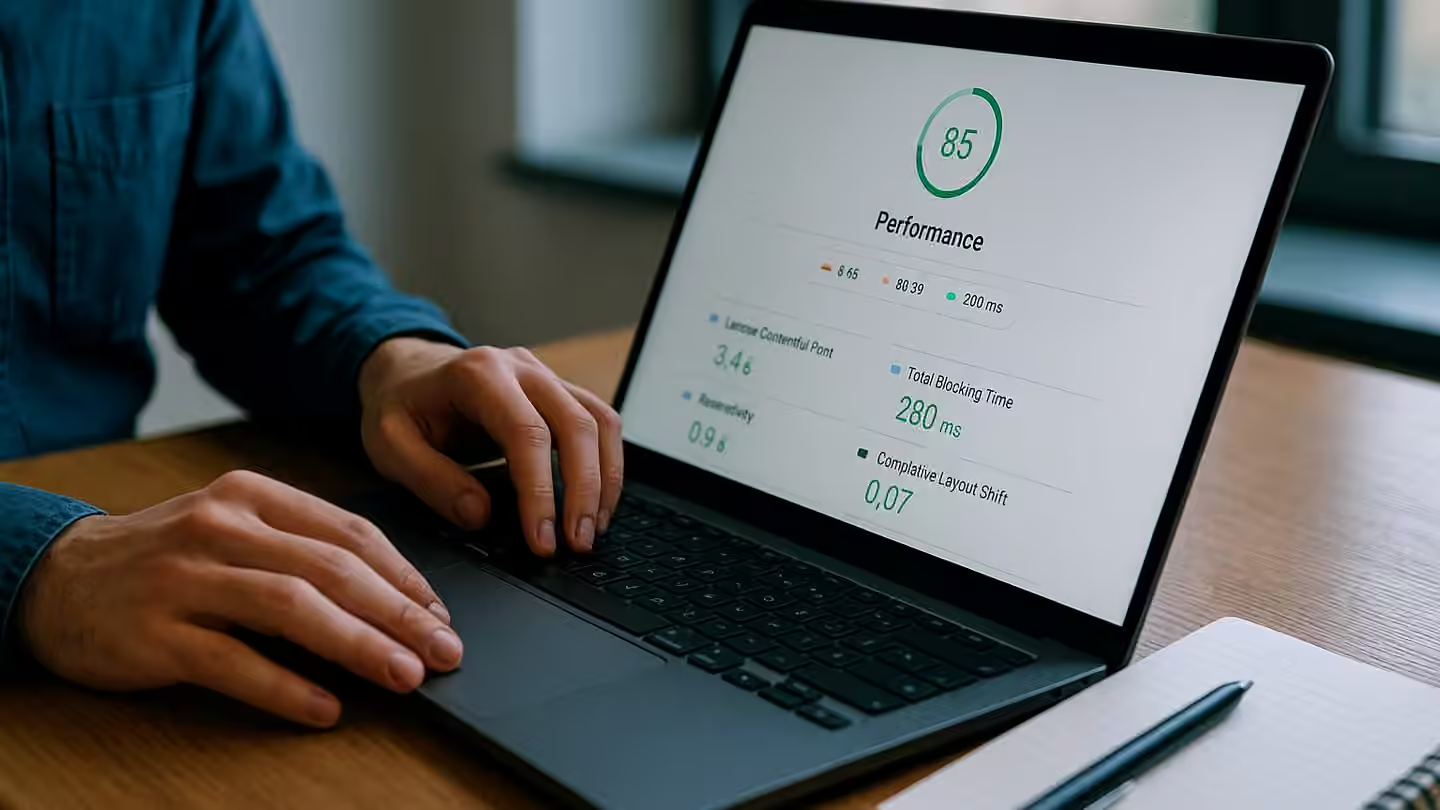
Slow WordPress pages may involve oversized images, an expensive theme, third-party scripts or delayed server responses. Installing a cache plugin without diagnosis may leave the cause untouched.
Separate situations
Does the problem affect visitors, administration or one page? Does it occur after login, during search or on every load? Compare a simple page with the affected one and identify recent changes.
Inspect resources
Review images, fonts and external scripts. Identify plugins loading files everywhere despite serving only a limited function. WordPress optimisation documentation provides technical starting points.
Avoid incorrect caching
Test changes on a copy. Caching must respect signed-in areas, carts and personal information. Verify forms and journeys afterwards, not just a performance score.
Keep before-and-after measurements under comparable conditions. Our web image guide can help address a visible part of the problem without adding more tools.
How Belentia can help
Belentia can organise website maintenance or assess a specific intervention. Checks, responsibilities and support conditions are defined in the quote.
Explore maintenance and support services · Describe your project